heinzel-google
Google Docs, Sheets, Drive, Calendar and Gmail: the documents, calendar and mail capabilities.
| Kind | connector, capability |
| Version | 0.9.0 (first-party, released with Heinzelmännchen) |
| Source | https://github.com/helmut-hoffer-von-ankershoffen/heinzel/tree/main/plugins/heinzel-google |
| Licence | MIT |
| Install | hz system plugin add google --confirm |
| Modules | google |
- Connector: brings adapters for capabilities such as the tracker or the calendar (ADR 0028).
- Capability: adds operations of its own, commands people and agents run.
See it
google in the terminal
What it shows
$ hz google --help

 Usage: hz google [OPTIONS] COMMAND [ARGS]...

 Google Docs, Sheets, Drive, Calendar and Gmail: the documents, calendar and mail capabilities.

╭─ Options ────────────────────────────────────────────────────────────────────────────────────────╮
│ --help  -h        Show this message and exit.                                                    │
╰──────────────────────────────────────────────────────────────────────────────────────────────────╯
╭─ Commands ───────────────────────────────────────────────────────────────────────────────────────╮
│ files  List the Google Docs and Sheets you can open that changed recently, newest first.         │
│ info   Show this plugin's version, the Heinzelmännchen it runs on and the gws, scopes and APIs   │
│        it uses.                                                                                  │
╰──────────────────────────────────────────────────────────────────────────────────────────────────╯

 v0.7.5                                                                  🐻 built with AI in Berlin
$ hz google files
Error: gws is not signed in to Google, or its sign-in expired (Access denied. No credentials provided. Run `gws auth login` or set GOOGLE_WORKSPACE_CLI_CREDENTIALS_FILE to an OAuth credentials JSON file.). Sign in: gws auth login --scopes https://www.googleapis.com/auth/documents.readonly,https://www.googleapis.com/auth/spreadsheets.readonly,https://www.googleapis.com/auth/drive.metadata.readonly,https://www.googleapis.com/auth/calendar.readonly (add ,https://www.googleapis.com/auth/gmail.readonly if you read mail from Google)
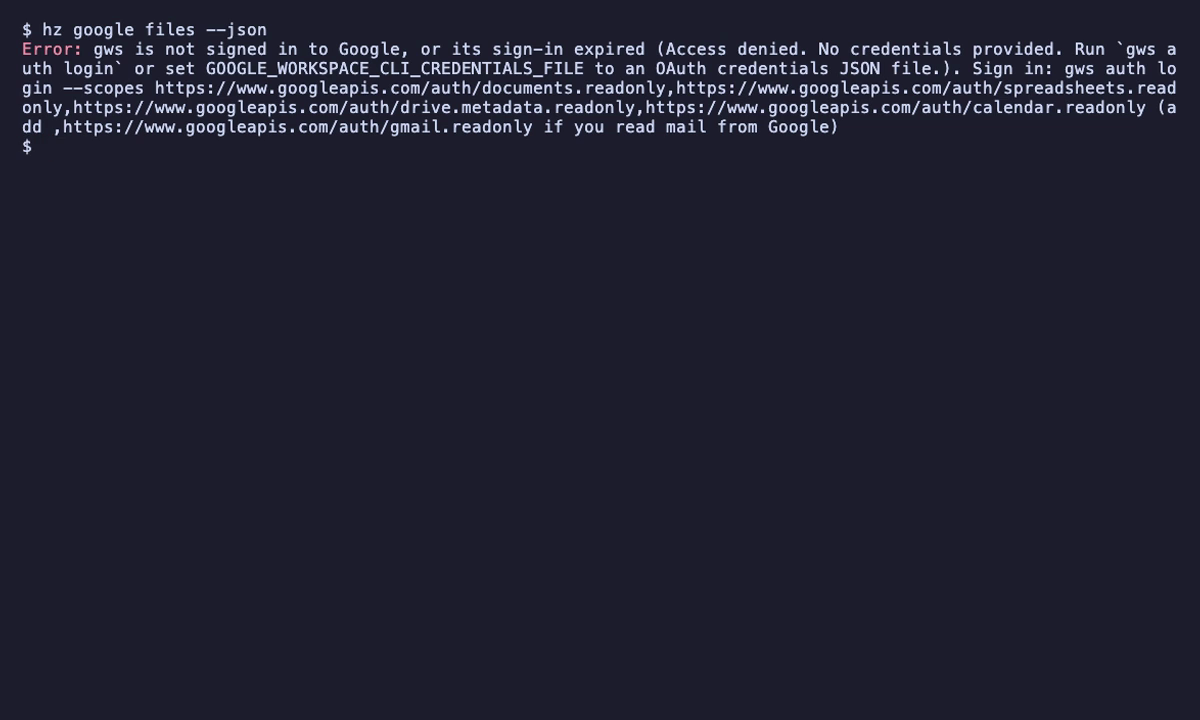
$ hz google files --json
Error: gws is not signed in to Google, or its sign-in expired (Access denied. No credentials provided. Run `gws auth login` or set GOOGLE_WORKSPACE_CLI_CREDENTIALS_FILE to an OAuth credentials JSON file.). Sign in: gws auth login --scopes https://www.googleapis.com/auth/documents.readonly,https://www.googleapis.com/auth/spreadsheets.readonly,https://www.googleapis.com/auth/drive.metadata.readonly,https://www.googleapis.com/auth/calendar.readonly (add ,https://www.googleapis.com/auth/gmail.readonly if you read mail from Google)
Operations
Each column follows the kernel's actual exposure rules. MCP over stdio runs as its caller; HTTP MCP and public REST exclude private operations. Private API and web endpoints require their scoped bearer or paired session. Authentication does not grant human approval. Every CLI command takes --json.
| Operation | CLI | MCP stdio | MCP HTTP | REST | Private API | Web | Changes state | Audience |
|---|---|---|---|---|---|---|---|---|
| Show this plugin's version, the Heinzelmännchen it runs on and the gws, scopes and APIs it uses. | hz google info |
google_info |
google_info |
GET /google/info |
GET /google/info |
GET /api/google/info |
expert | |
| List the Google Docs and Sheets you can open that changed recently, newest first. | hz google files |
google_files |
google_files |
GET /google/files |
GET /google/files |
GET /api/google/files |
expert |
hz google info
Show this plugin's version, the Heinzelmännchen it runs on and the gws, scopes and APIs it uses.
hz google info
MCP tool google_info: input schema
{
  "properties": {},
  "title": "google_info",
  "type": "object"
}
hz google files
List the Google Docs and Sheets you can open that changed recently, newest first.
hz google files [--days INTEGER] [--name TEXT]
| Parameter | Type | Default | Description |
|---|---|---|---|
days |
integer | 7 |
How many days back to look for changes, 1 to 366. |
name |
string or null | null |
Only files whose name contains this text; all Docs and Sheets when not given. |
MCP tool google_files: input schema
{
  "properties": {
    "days": {
      "default": 7,
      "description": "How many days back to look for changes, 1 to 366.",
      "maximum": 366,
      "minimum": 1,
      "title": "Days",
      "type": "integer"
    },
    "name": {
      "anyOf": [
        {
          "type": "string"
        },
        {
          "type": "null"
        }
      ],
      "default": null,
      "description": "Only files whose name contains this text; all Docs and Sheets when not given.",
      "title": "Name"
    }
  },
  "title": "google_files",
  "type": "object"
}
Settings
In your configuration file (hz system config set <key> <value>), or as environment variables.
[google]
| Key | Type | Default | Environment variable | Description |
|---|---|---|---|---|
gws_path |
string or null | null |
HZ_GOOGLE__GWS_PATH |
The full path to the Google Workspace CLI; the one on your PATH when not set. Only your own settings can set it, never a project's. (user scope only) |
timeout |
number | 60.0 |
HZ_GOOGLE__TIMEOUT |
How long to wait for each Google Workspace CLI run before stopping it. (user scope only) |
Capabilities served
| Adapter | Capability | Modes | Sends data to | Bind it |
|---|---|---|---|---|
google |
documents |
read | www.googleapis.com, docs.googleapis.com, sheets.googleapis.com, oauth2.googleapis.com |
hz system config set capabilities.documents google |
google |
calendar |
read, write | www.googleapis.com, oauth2.googleapis.com |
hz system config set capabilities.calendar google |
google |
mail |
read, write | gmail.googleapis.com, oauth2.googleapis.com |
hz system config set capabilities.mail google |
Setup and health
- Setup:
hz setup google(optional, phase connect), also part ofhz setup: Find the Google Workspace CLI, sign it in and read documents, calendar and, if you like, mail from it. - Health:
googlereports tohz system doctor. - Info:
googleadds a section tohz system info.